

1
Start the check
Tap Verify. Matocard opens a secure page from Didit, our identity provider.
2
Photograph your ID
A passport or a national ID card (for Indonesians, the KTP).
3
Take a selfie
Didit checks that you are the person on the document.
4
Back to Matocard
You return to the app automatically. Approval usually takes a few seconds; the app updates on its own.
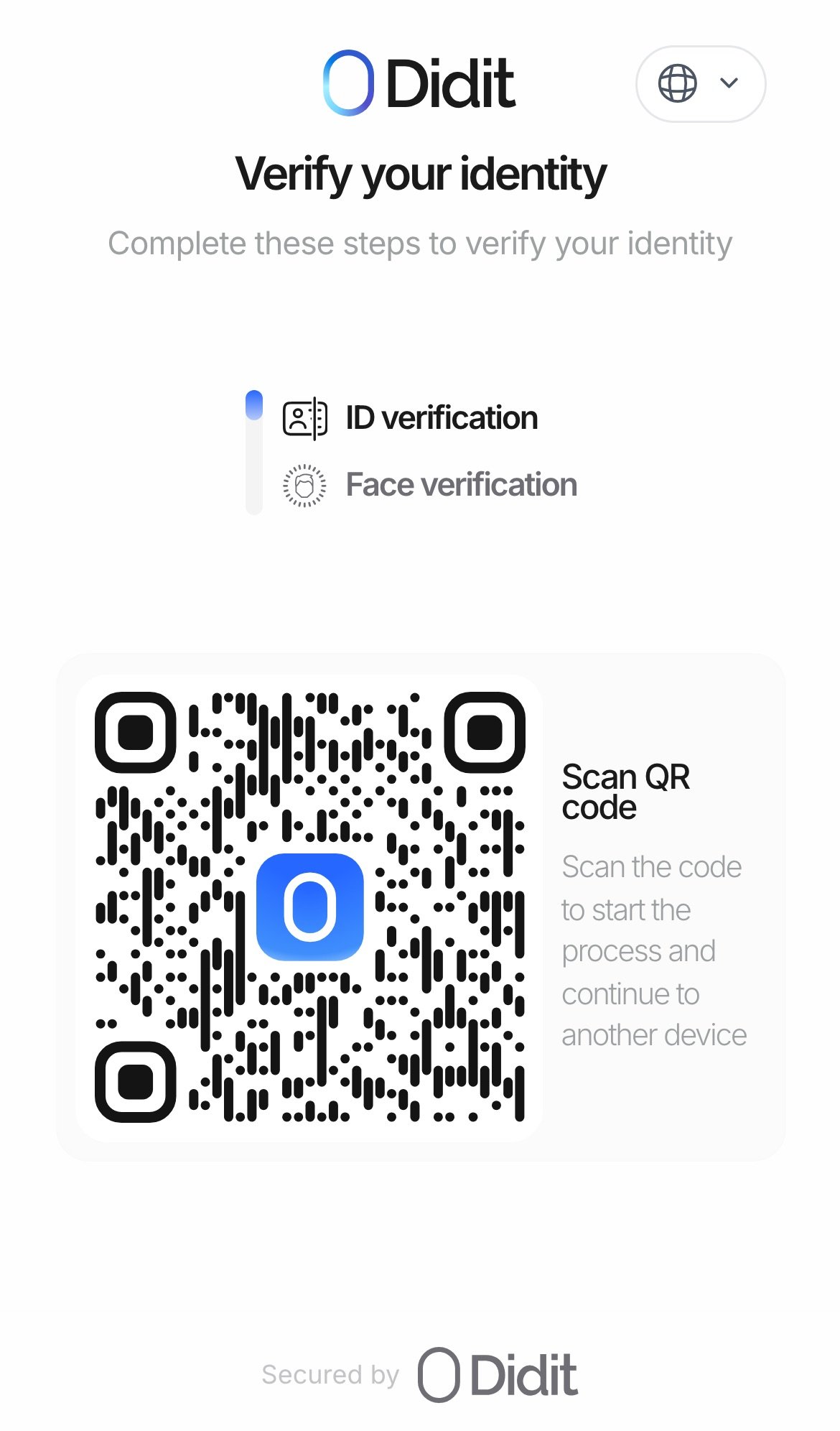
Didit's verification page opened from Matocard: ID document, then a selfie. On a computer it shows a QR code to continue on a phone.
Possible results
Why one person, one account
Without it, someone who defaulted could open a new account and start over, and every score would mean nothing. So the check binds one identity to one account permanently, in the contract itself.What is stored, and where
- Onchain: only a keyed hash of your document’s country, type and number. It cannot be turned back into your document number.
- At Didit: your document and selfie, under Didit’s own data policy.
- At Matocard: whether you passed, and the hash.